The most important factor in the fast-paced realm of today’s eCommerce is speed—it’s the key to your business’s success. When a customer clicks “Buy Now,” that triggers a series of intricate logistical processes that need to take place to fulfil a customer’s order in a timely manner. Meeting the increased expectation for same day (or two day) shipping means that both your back office and warehouse operations must work together seamlessly.
Unfortunately, this is where many growing companies experience a “knowledge void” between their Enterprise Resource Planning (ERP) and Warehouse Management Systems (WMS) can lead to delays in shipments, inaccurate inventory levels, and unsatisfactory customer experience.
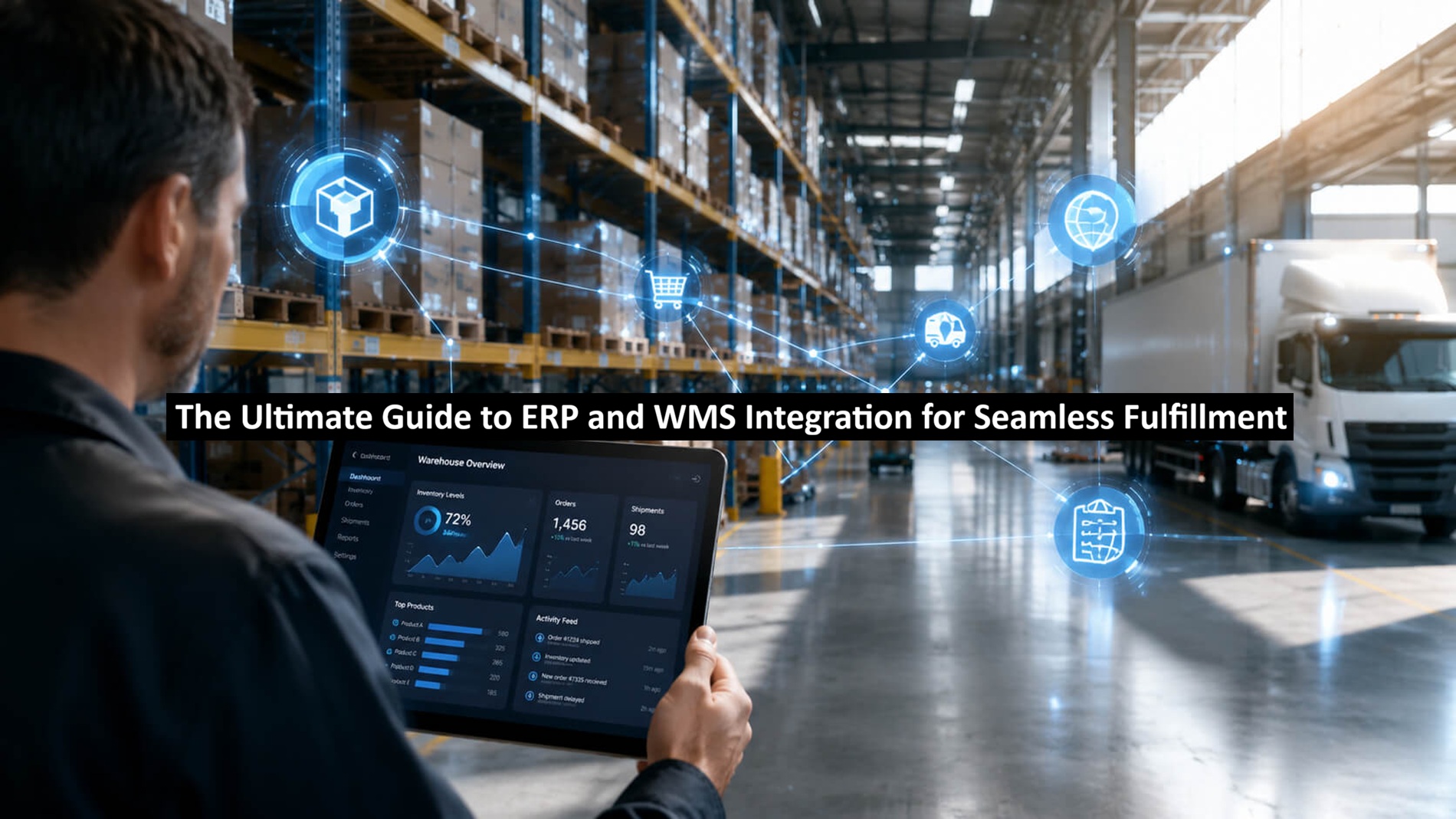
The answer is to put a solid ERP/WMS integration in place. By connecting these two major systems you create a single data loop that enables you to transform what is often the bottleneck in your fulfilment process into an opportunity for competitive advantage.
ERP vs. WMS: Understanding the Roles in Your Supply Chain
Before you can successfully optimize your organization, it is critical that you first have a good understanding of the unique functions of each system.
- The ERP (The Brain): An ERP is the command center (strategic hub) for your Company. An ERP manages all high-level data across the business (Finance, HR, Procurement, and [Internal Link: Best Practices CRM]). The ERP is the “Brain” that provides insight into both the reason for the order and how that order affects your overall profitability. (Examples of Enterprise Resource Planning include) = Oracle NetSuite), SAP, Microsoft Dynamics;
- The WMS (The Hands): A Warehouse Management System is the tactical execution engine. It is responsible for the physical movement of goods (from when that pallet arrives at the dock until the time it is scanned onto the truck). A WMS executes all activity from the time an item is received to when the item is stored in a bin, picked from a bin, packed onto a truck, and delivered to its final destination.
The Disconnect Between ERP and WMS: Although several of the most modern ERPs include a built-in ‘warehouse module’, they do not have some of the more detailed features needed for complex fulfilment, while a standalone WMS has no financial or procurement visibility. Integration helps articulate the relationship between the ‘brain’ and the ‘hands’.
Read: How Much Do Bloggers Make?
The Top 5 Benefits of ERP and WMS Integration
More than just a technical move, integrating these technologies is a strategic initiative with both immediate and long-term returns on investment (ROI) for your organization. According to [Gartner Research], companies that have integrated their supply chains (highly integrated) should expect their fulfillment costs to decrease by 15% to 20%.
- Real-Time Inventory Accuracy: By integrating your WMS and ERPs, you’ll create a single source of truth. Therefore, when inventory is picked in the WMS, the same amount of inventory is removed from your ERP in real-time, and you eliminate overselling out-of-stock inventory.
- Shorter Order to Cash Cycle: By automating, you can reduce administrative handing off of orders from one department to another. Once an order is approved in the ERP, the warehouse team can see it immediately.
- Eliminate Manual Data Entry: Manually entering shipping addresses is one of the main causes of shipping errors. By integrating your WMS and ERP, you automate this integration of the data from the ERP to the WMS and you’ll greatly eliminate human error.
- Better Omnichannel Fulfillment: Regardless of the source of the order (Amazon, Shopify, or B2B Portal), by using an integrated system, all orders are routed through one pipeline.
- Increased Employee Productivity: By pulling ERP order priorities into the WMS, you can design optimal picking routes and ensure your employees spend more time shipping than walking.
Critical Signs Your Business Needs Integration Now
Pay attention to these warning signs of an inefficient technology stack:
- Excessive Returns: Regular shipping mistakes due to discrepancies in data between your office and your warehouse.
- “WISMO” Blowing Up Your Customer Service Team: Your customer service team is inundated with “Where Is My Order?” calls because tracking numbers when you’re tracking orders do not align with what your customer has been told.
- Manually Reconciling: Your team spends too much time doing cycle counts at the end of the week to resolve mismatches between what’s shown on your books and what you have on the shelf.
Technical Paths: How to Connect Your ERP and WMS
When selecting a supply chain automation technique, consider your available technological resources and how they fit into your pre-existing infrastructural setup.
API-Based Integration (The Gold Standard)
API (Application Programming Interface) is the best solution for all current eCommerce platforms because it allows data exchange between systems, with almost no delays. However, if you do not have an internal tech support department to maintain this type of connection, you should consider hiring a professional Ecommerce development company to develop, implement, and maintain your API infrastructure; they will guarantee that your API is safe, can scale to handle extreme amounts of data, and can sustain massive user load.
Middleware and iPaaS
A legacy ERP typically requires a Middleware or an iPaaS such as Celigo or Boomi, they serve as translators to “map” the data from one system to meet the format of another.
EDI (Electronic Data Interchange)
For businesses dealing with big-box retailers, EDI remains a requirement. It is a standardized format for exchanging business documents and is vital for Wholesale fulfillment strategies.
Implementation Roadmap: 5 Steps to a Seamless Sync
- Mapping Out Your Data Needs: Find the needed data required for your integration. This can include your inventory level, order status and tracking numbers.
- Clean Up Your Data: Before beginning the integration process, ensure that each of the required data-type fields (SKU name, weight and size) are consistent in both applications.
- The Sandbox Phase: Test (de-bug) your integration in a test or staging environment only, not on live orders; find examples of loop errors through testing.
- Train Warehouse Staff: Teach the warehouse staff about how the digital workflow will affect their physical operations.
- Go-Live and Hyper-Care: Execute the implementation of the integration during low-volume times; have a technical support person available to provide telephonic support for the first 48 hours after implementation.
Conclusion
You need to integrate your ERP and WMS systems now if you want to grow in this market. By breaking down your data silos, you will not only increase your speed of shipment but also improve the quality of those shipments. You will lower your overhead, put more power into the hands of your employees, and create the type of customer experience that consumers expect.
Author’s Bio:
Akshay Tyagi is a technical strategist at NetClubbed, specializing in the architectural alignment of supply chain technology and digital storefronts. He focuses on helping businesses optimize their operations through expert ecommerce development services, ensuring that complex ERP and WMS integrations drive efficiency and seamless customer fulfillment.